Why is there an error message when a merchant attempts to issue a refund through the Transactions app?
Updated January 18, 2024
This situation occurs when a customer used a online (non pin) or online (pin) debit card to make the original transaction. After 25 minutes you may no longer refund this exact transaction. Instead, you have to make a manual refund through the Refund app.
Solution:
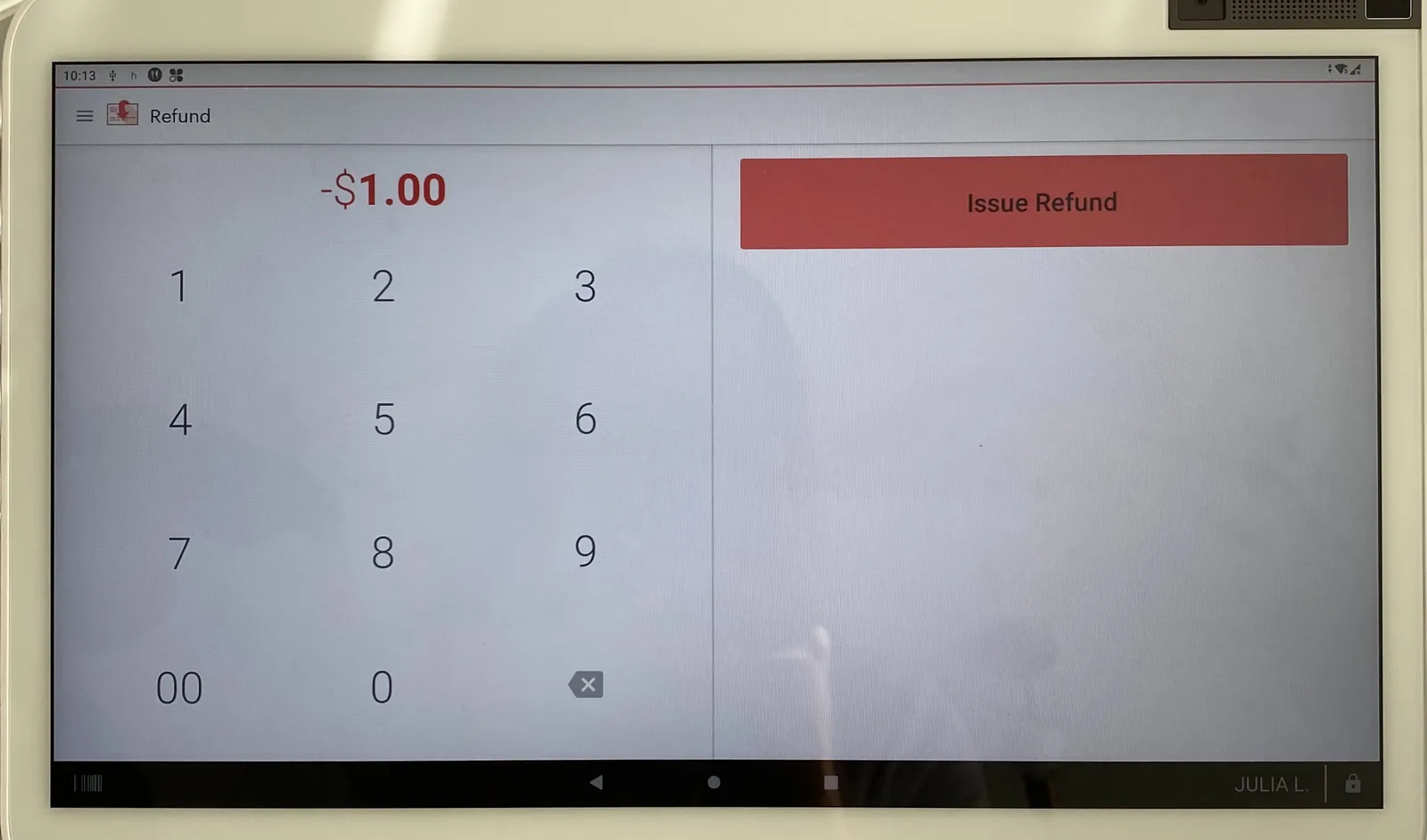
- Open Refund App.
- Enter dollar amount.
- Press Issue Refund.
- Insert chip, swipe, or hand key card.
- Customer will successfully be refunded but it will not be tied to original transaction.
Was this helpful?
If you’re still stuck, call (818) 654-4449 or email Info@yanpayments.com. Mon–Fri, 9 AM – 5 PM.