Replace Flex Battery
Updated March 3, 2025
Follow these instructions to remove the old battery and replace with a new one.
-
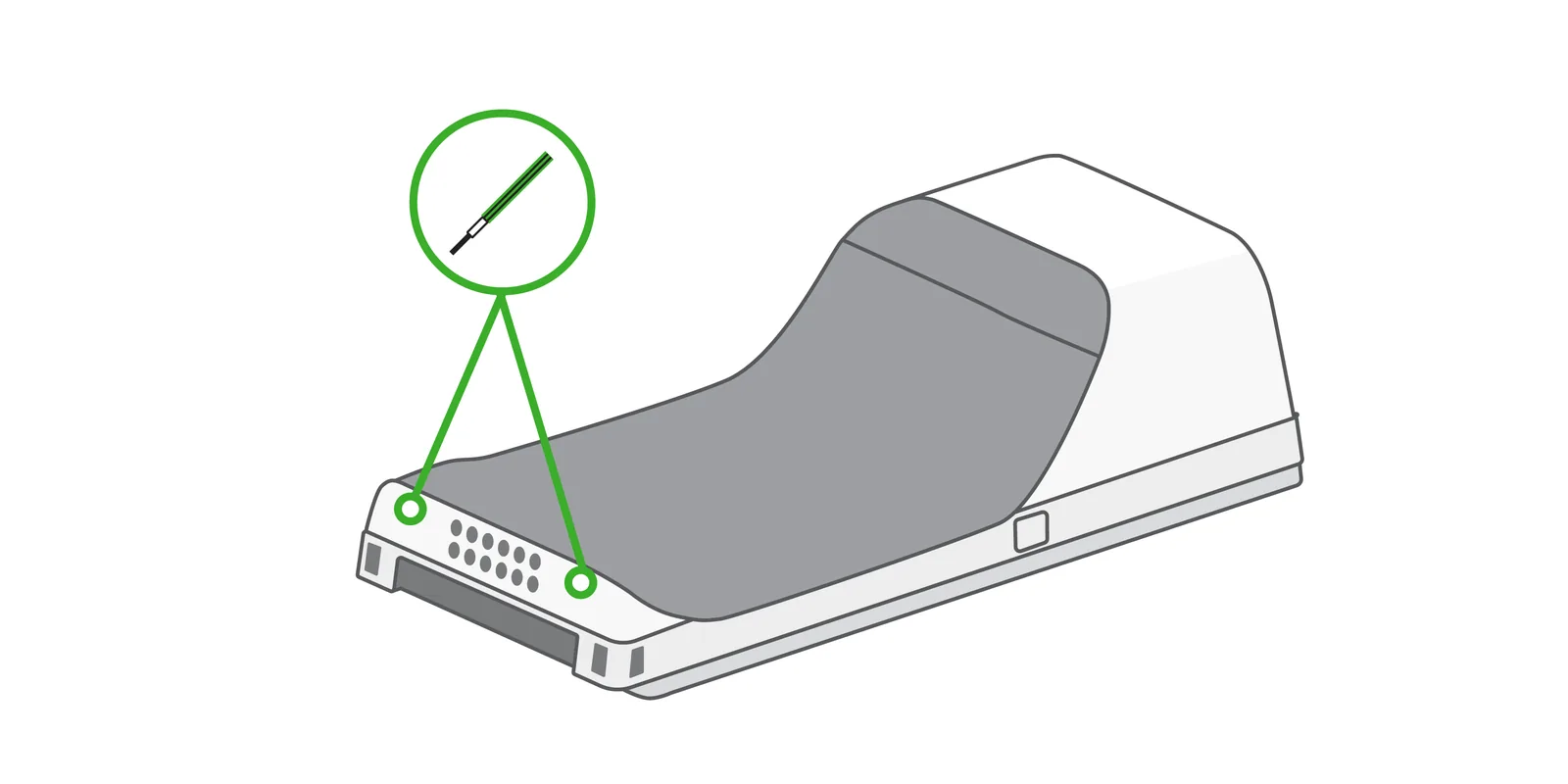
Make sure your Flex is off, then use a 1.5mm hex key or hex screwdriver to remove the two screws at the bottom of the device.
-
Remove the battery door by lifting from the bottom of the device.
-
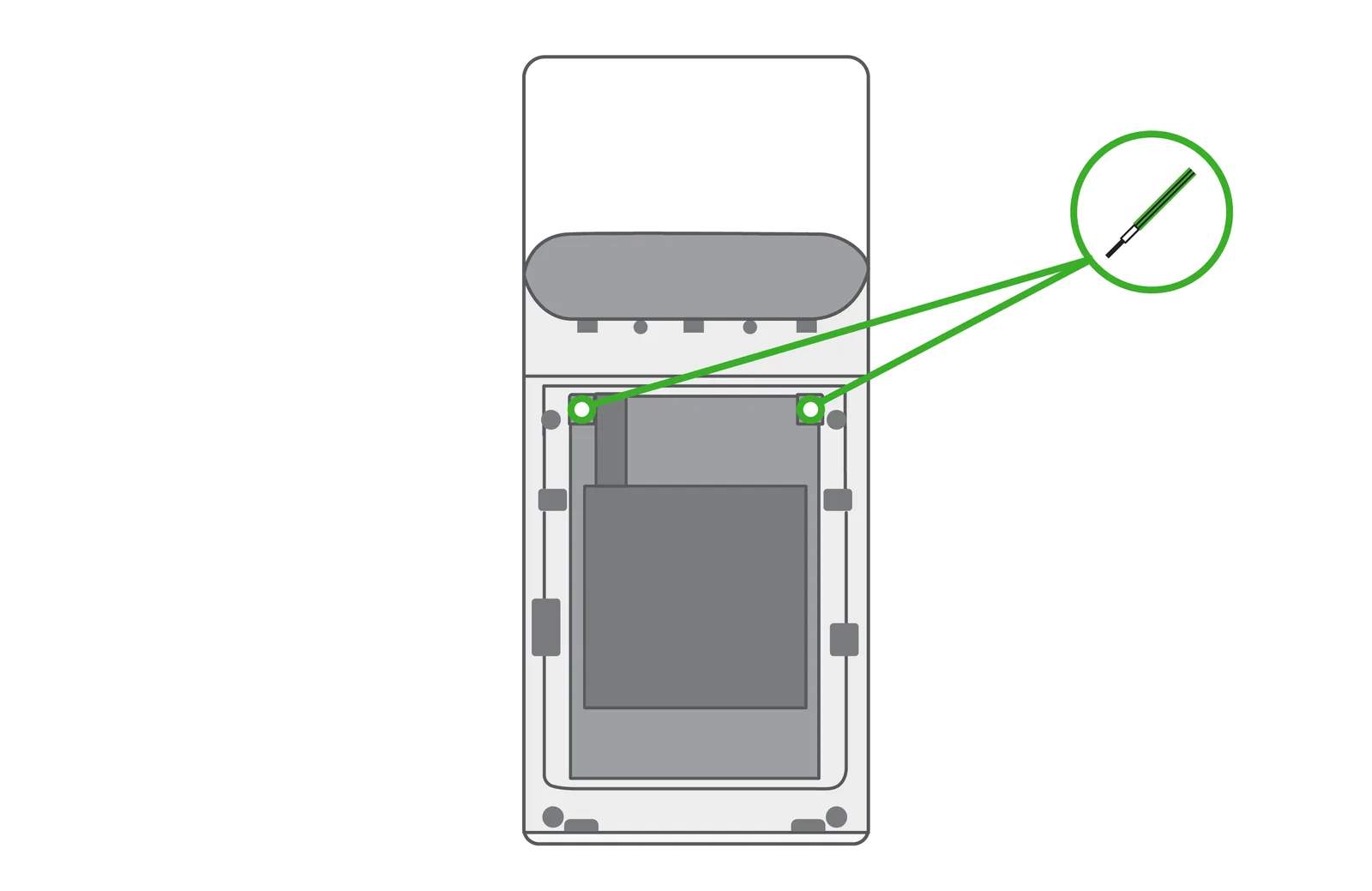
Remove the two screws near the top of the battery, then remove the battery by gently pulling down from the top of the battery.
-
Insert the new battery and reattach the screws and cover.
Was this helpful?
If you’re still stuck, call (818) 654-4449 or email Info@yanpayments.com. Mon–Fri, 9 AM – 5 PM.